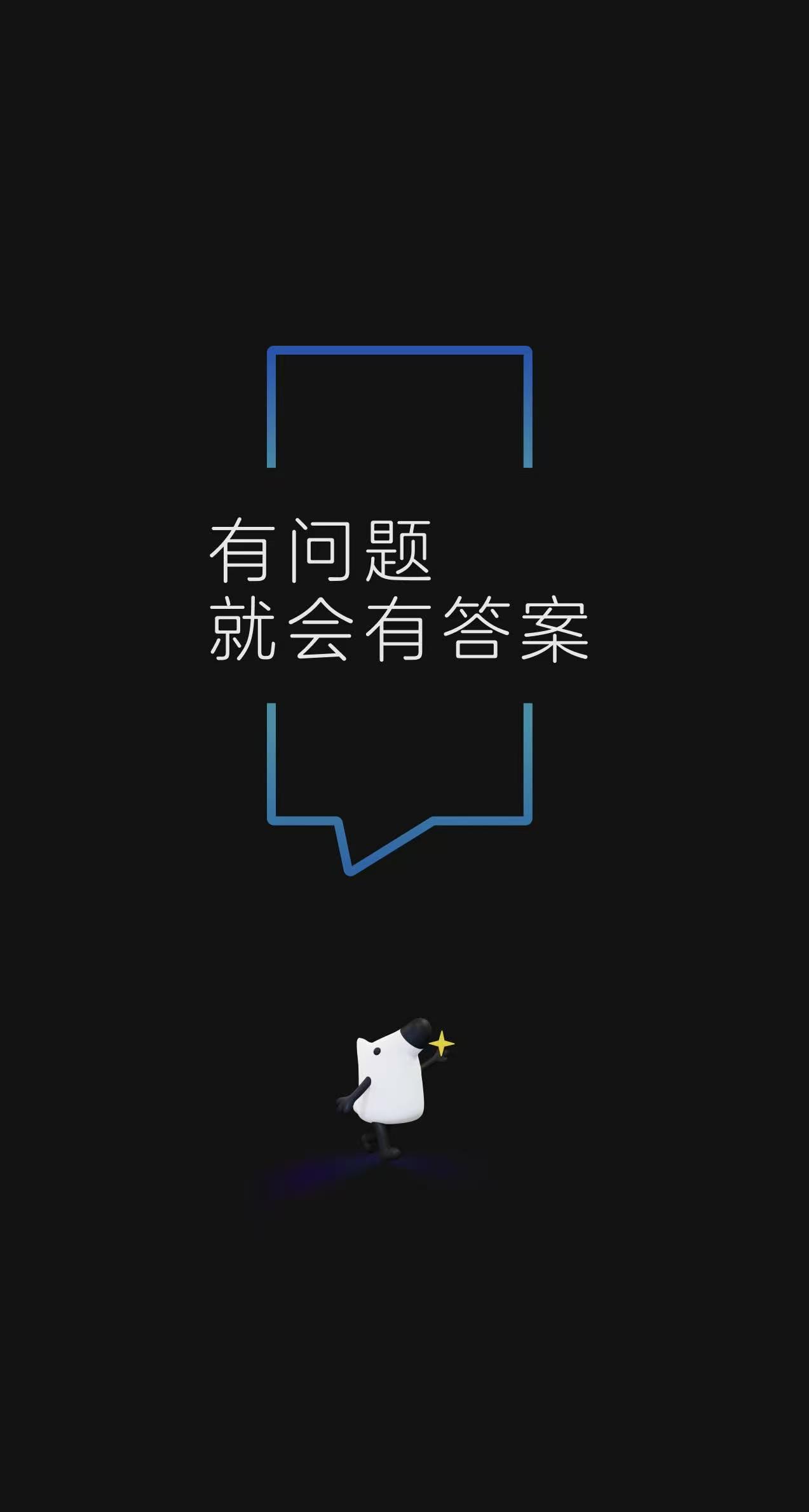
// 知乎 splash sequence — appears after tapping the 知乎 app icon.
//
// Stage 1 (boot, ~1.5s): the standard 知乎 boot logo on a black background.
// Stage 2 (promo, ~3s):  the 关于减肥的那些真相 campaign poster on a light
//                        background, with skip button + bottom CTA.
//
// Both stages use object-fit: contain so the full image is shown end-to-end
// without center-cropping (phone aspect ≠ poster aspect).

function SplashScreen({ onContinue }) {
  const [stage, setStage] = React.useState(1);
  const [count, setCount] = React.useState(3);

  // Stage 1 → auto-advance after 1.5s (no skip button).
  React.useEffect(() => {
    if (stage !== 1) return;
    const t = setTimeout(() => setStage(2), 1500);
    return () => clearTimeout(t);
  }, [stage]);

  // Stage 2 → 3-second countdown, then advance. User can tap to skip.
  React.useEffect(() => {
    if (stage !== 2) return;
    if (count <= 0) { onContinue(); return; }
    const t = setTimeout(() => setCount(c => c - 1), 1000);
    return () => clearTimeout(t);
  }, [stage, count, onContinue]);

  if (stage === 1) return <BootStage/>;
  return <PromoStage count={count} onSkip={onContinue}/>;
}

// ─── Stage 1: boot logo ─────────────────────────────────────────────────
function BootStage() {
  return (
    <div style={{
      position: 'absolute', inset: 0, overflow: 'hidden',
      background: '#000',  // black background per user spec
      display: 'flex', alignItems: 'center', justifyContent: 'center',
    }}>
      <img
        src="assets/splash-1-boot.png"
        alt=""
        style={{
          width: '100%', height: '100%',
          objectFit: 'contain', objectPosition: 'center',
          display: 'block', userSelect: 'none',
        }}
        onError={(e) => { e.currentTarget.style.display = 'none'; }}
      />

    </div>
  );
}

// ─── Stage 2: campaign poster ──────────────────────────────────────────
function PromoStage({ count, onSkip }) {
  return (
    <div onClick={onSkip} style={{
      position: 'absolute', inset: 0, overflow: 'hidden', cursor: 'pointer',
      // Light blue gradient matches the poster edges so the contain bars
      // (top/bottom from aspect mismatch) blend seamlessly.
      background: 'linear-gradient(180deg, #C8D8E6 0%, #DCE7EE 50%, #E8EEF2 100%)',
      fontFamily: '"PingFang SC", "Noto Sans SC", system-ui',
    }}>
      <img
        src="assets/splash-2-promo.png"
        alt="关于减肥的那些真相"
        style={{
          position: 'absolute', inset: 0,
          width: '100%', height: '100%',
          objectFit: 'contain', objectPosition: 'center',
          display: 'block', userSelect: 'none',
        }}
        onError={(e) => { e.currentTarget.style.display = 'none'; }}
      />

      {/* Skip button with countdown */}
      <div onClick={(e) => { e.stopPropagation(); onSkip(); }} style={{
        position: 'absolute', top: 44, right: 14,
        padding: '4px 10px', borderRadius: 12,
        background: 'rgba(50, 58, 70, 0.55)',
        backdropFilter: 'blur(8px)',
        WebkitBackdropFilter: 'blur(8px)',
        color: '#fff', fontSize: 11.5, fontWeight: 500,
        cursor: 'pointer', display: 'flex', alignItems: 'center', gap: 4,
        zIndex: 3,
      }}>
        <span>跳过</span>
        <span style={{ fontFamily: '"DIN Alternate", monospace' }}>{count}</span>
      </div>
    </div>
  );
}

Object.assign(window, { SplashScreen });
